
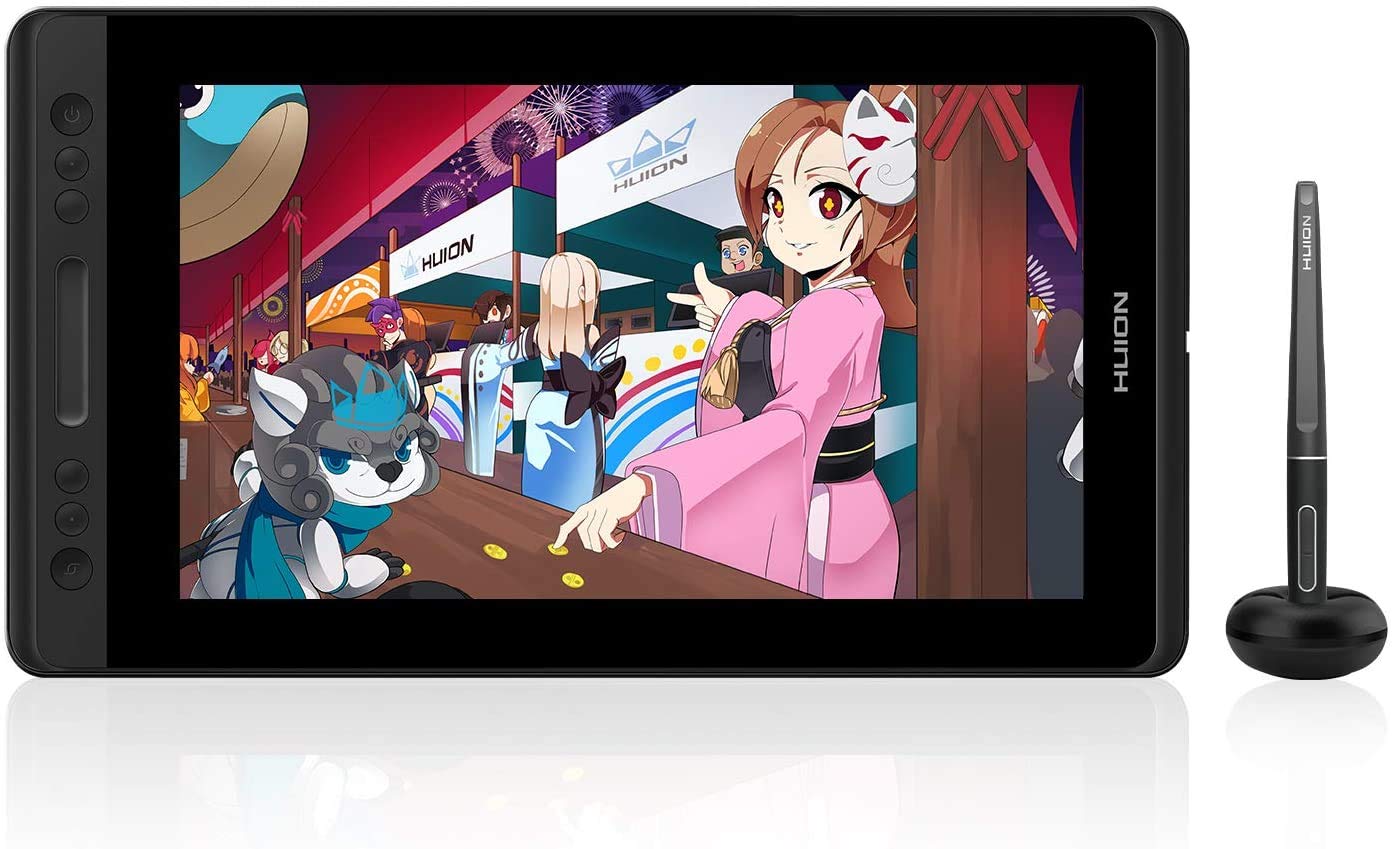
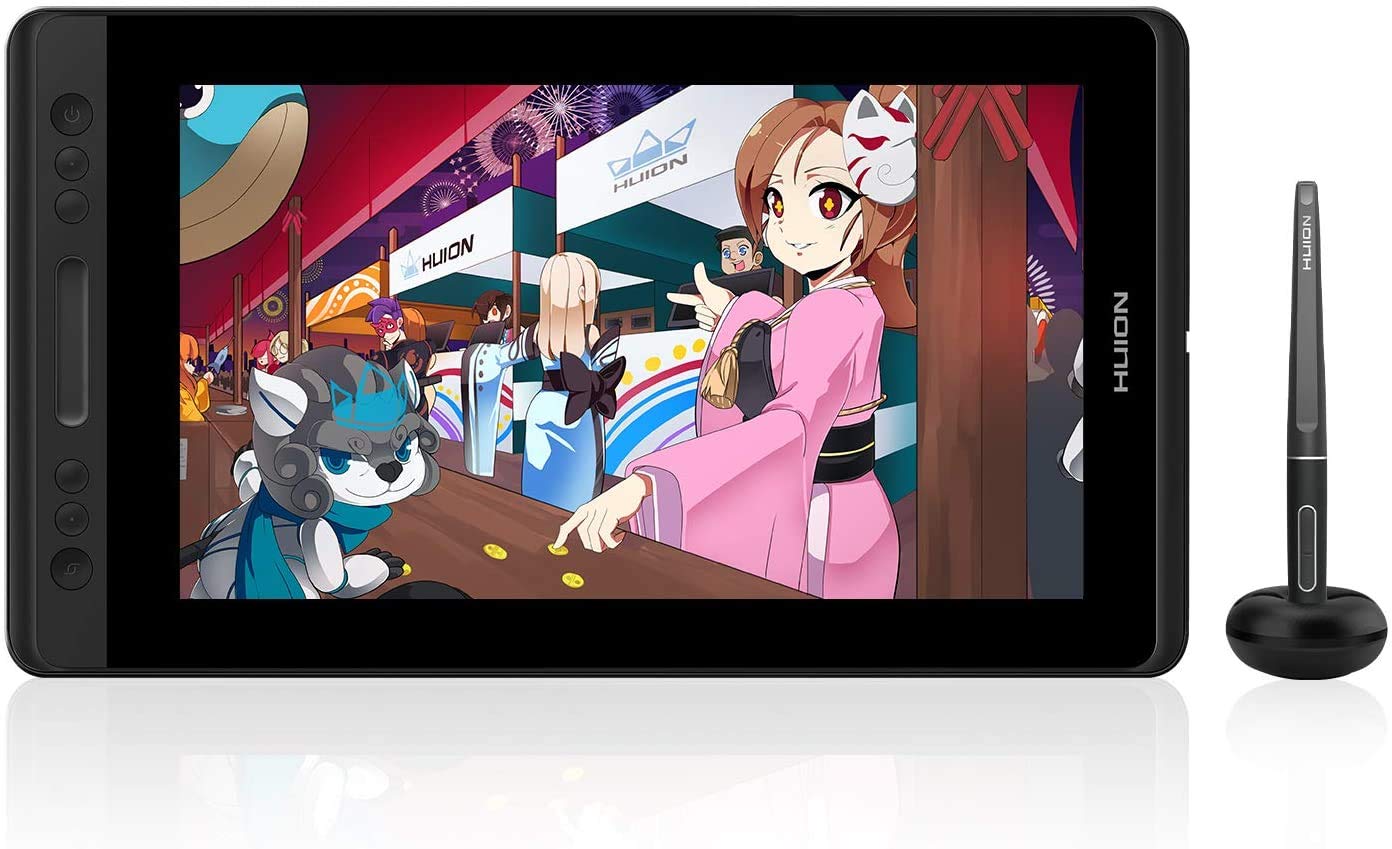
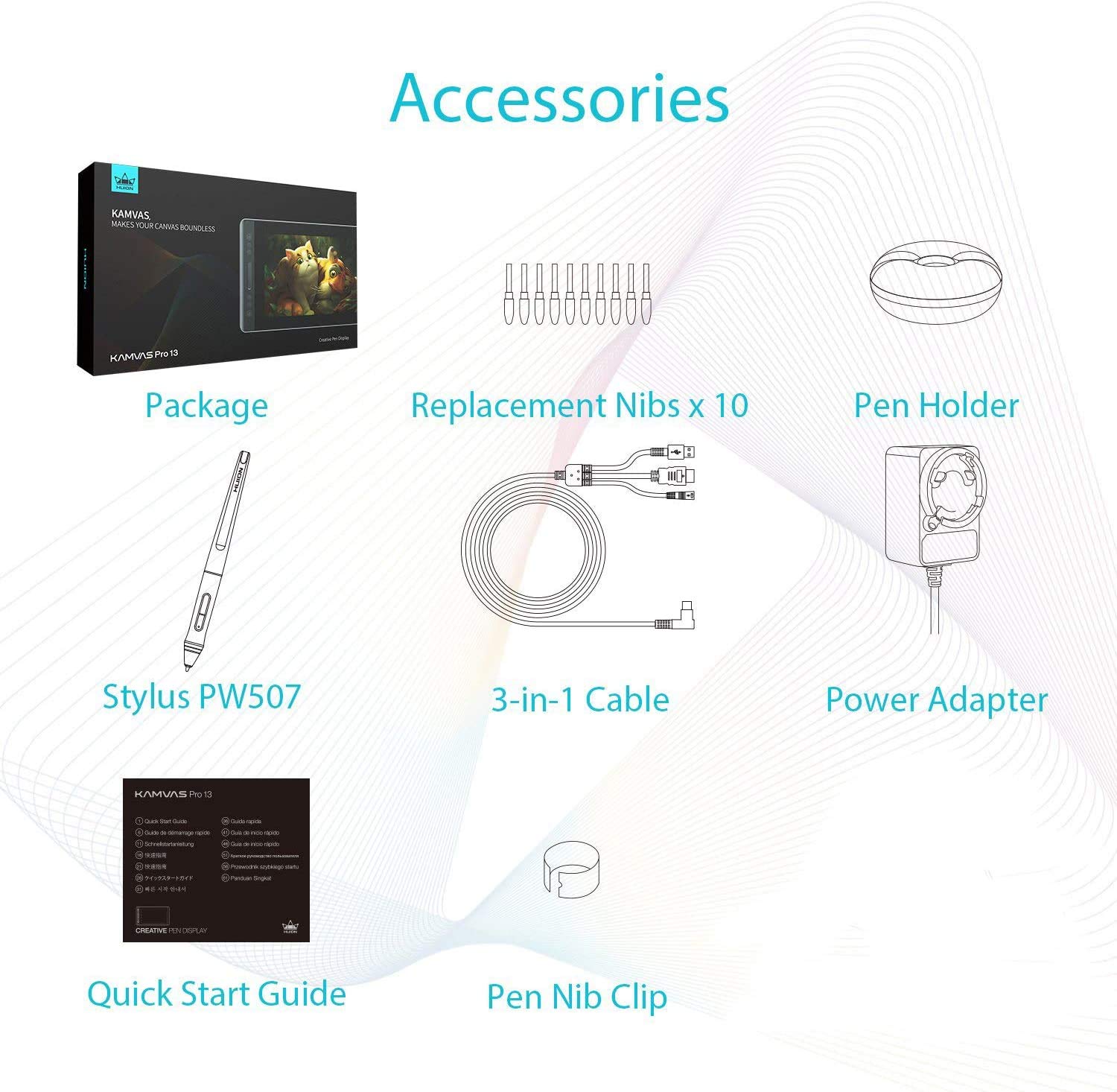

HUION KAMVAS Pro 13 Graphics Drawing Monitor with Stand, Full-Laminated Anti-Glare Screen Battery-Free Stylus 8192 Pen Pressure – 13.3 Inch Pen Tablet Display for Linux, Windows and Mac
Original price was: ₹49,999.00.₹20,099.00Current price is: ₹20,099.00.
HUION KAMVAS Pro 13 Graphics Drawing Monitor with Stand, Full-Laminated Anti-Glare Screen Battery-Free Stylus 8192 Pen Pressure – 13.3 Inch Pen Tablet Display for Linux, Windows and Mac
Price: ₹49,999 - ₹20,099.00
(as of Nov 02, 2025 14:00:02 UTC – Details)
From the brand


Founded in 2011, Huion has always been dedicated to providing high-quality pen tablets, pen displays and pen computers to creative users.
And our products not only help artists, designers, and animators to create fantastic digital masterpieces. but also bring digital ink solutions to many people around the world, changing the way they create, learn and work.
We believe the world is in your hands.
Diwali Deals
Kamvas 16(Gen 3)
Kamvas 13 (Gen 3)
2024 NEW BLUETOOTH TABLET
HS64 6.3 x 4in Drawing Tablet
——Best choice of drawing tablets for beginners
Huion Note Digital Notebook

New Release
Drawing Tablets
Pen Display-Kamvas Pro Series
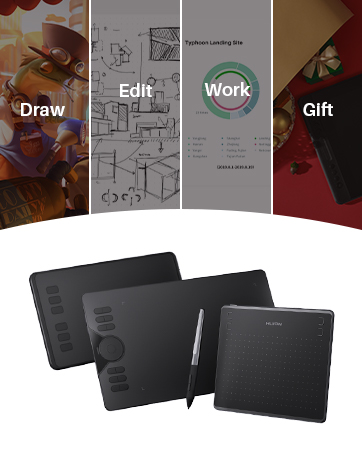
HUION Graphic Tablets
A good helper in drawing, study, and work

Outstanding Visuals: HUION Kamvas Pro 13 art tablet features a 13.3-inch full-laminated screen with Full HD resolution, letting you enjoy immersive viewing in great clarity and fine detail. Together with an IPS panel and anti-glare glass, the graphics drawing monitor is able to reduce the interference of ambient light on the creation and show every detail clearly across the wide 178° viewing angle.
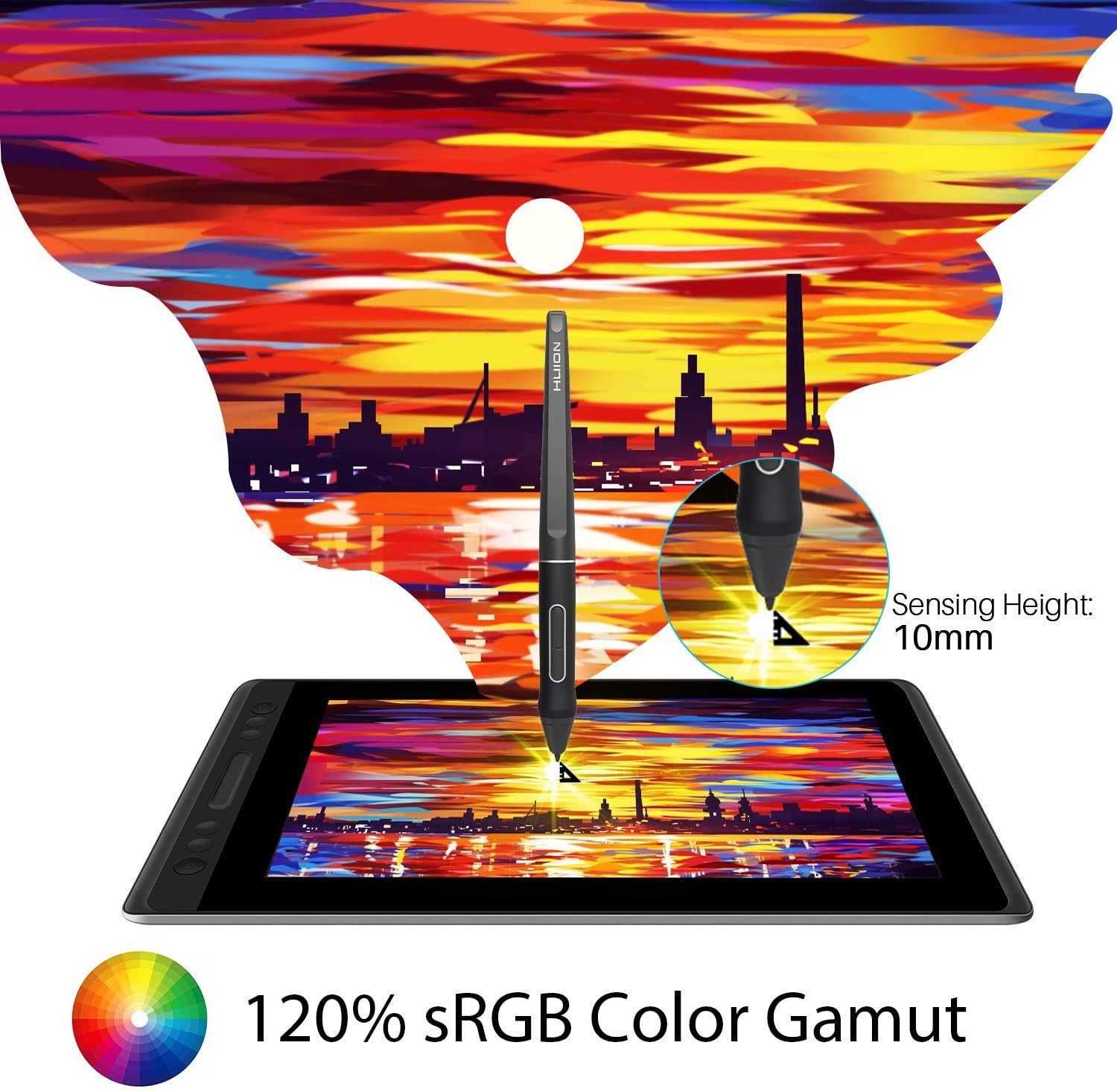
Stunning Color: This drawing monitor with a 120% sRGB (92% AdobeRGB) wide color gamut (16.7millions 8bit). 1000:1 contrast ratio shows shadow details clearer and sharper. It can deliver the color accuracy you need for photography, graphic design, content creation, and other color-critical applications to complete your best work.
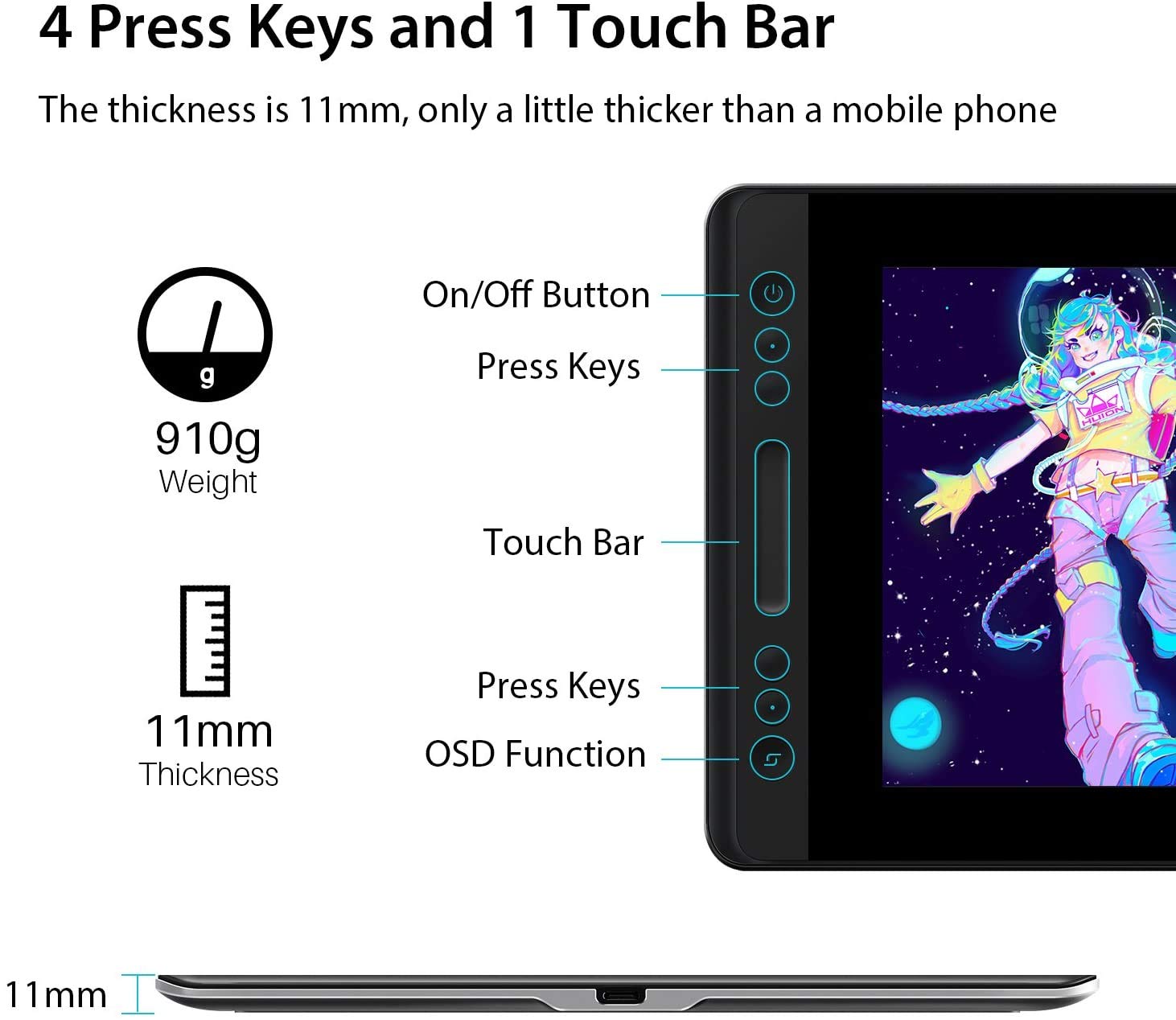
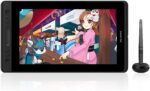
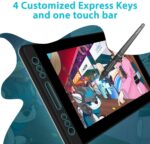
Superb Lightweight: With a sleek and modern design, Kamvas Pro 13 pen display is only 11mm thin and weighs less than 910g, which is easy to carry when on travel. Simplify Workflow: A set of 4 customized express keys and a touch bar helps get easy access to your favorite shortcuts of keyboards or mouse to achieve different operations, such as zooming in and out, and adjusting brush size.
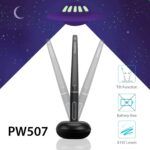
Tilt Function Battery-free Stylus: The battery-free pen PW507 looks and feels like a regular pencil, offering you responsive and accurate pen performance with 8192 levels of pressure sensitivity, ±60° tilt recognition, and virtually lag-free tracking. Plus, the two side buttons on the pen can be programmable to the software’s shortcuts you want.
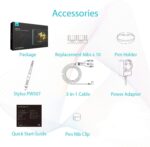
Connection & Compatibility: The graphics tablet display can be easily connected with 3 in 1 cable (HDMI signal) to your computer & laptops that run Linux(Ubuntu), Windows 7 or later, or macOS 10.12 or later. It is well compatible with most software like Adobe Photoshop, Lightroom, Clip Studio Paint, SAI, etc.
Customers say
Customers find the graphics tablet to be well-built with a good stand and consider it a budget-friendly alternative to Wacom. The tablet is easy to set up and install, works reasonably well with Windows computers, and is suitable for both amateur and professional artists. Customers praise the drawing speed, noting it feels like drawing on paper. The screen resolution receives mixed feedback, with some praising the full HD display while others report poor resolution. Functionality and connectivity also receive mixed reviews, with some customers reporting issues with the pen not working and connection problems with computers.
-
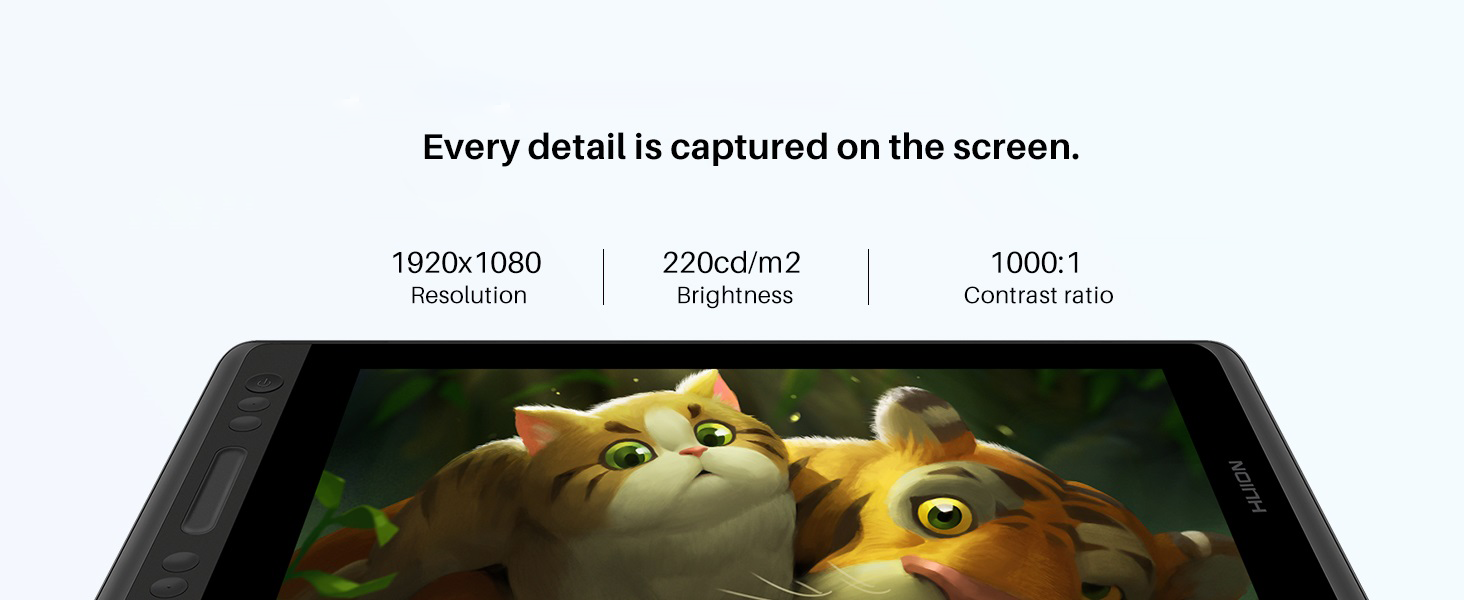
FHD resolution
16.7 million display colors enable your work to be presented in a more vivid way, which can be further enhanced with the help of the FHD resolution.
-
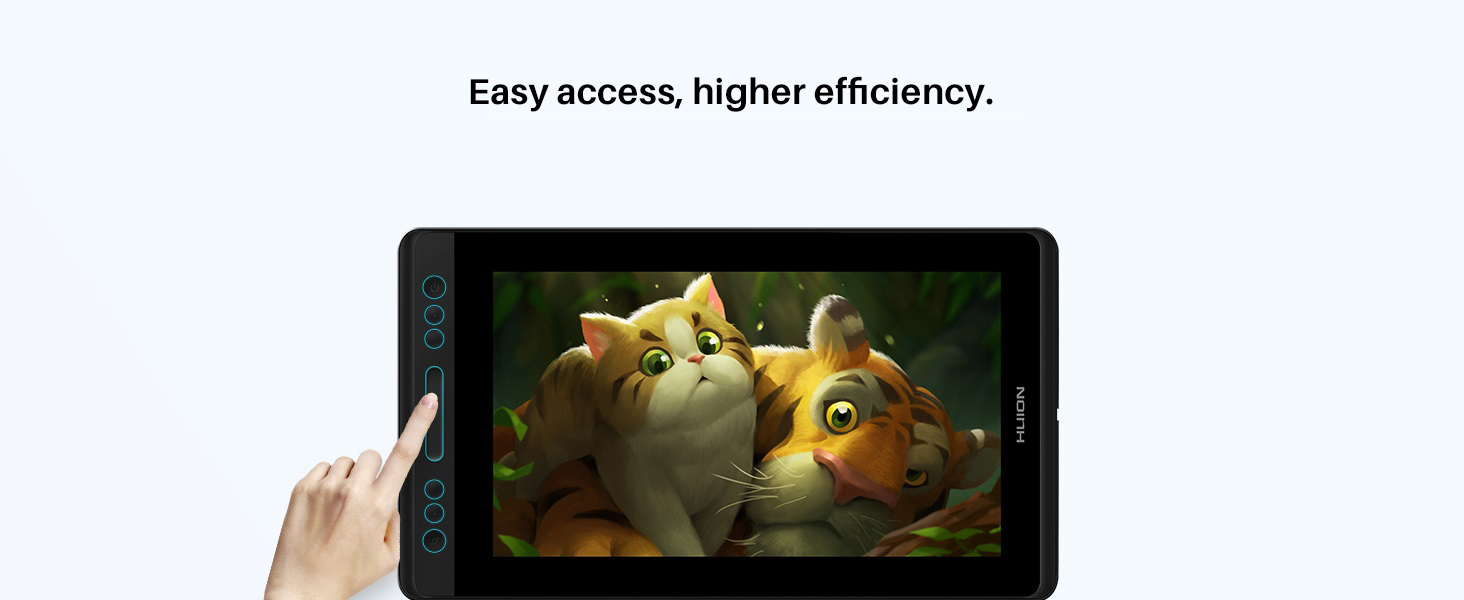
4 programmable express keys
4 programmable express keys plus one-touch bar are created to simplify operations including brush adjusting, canvas zooming, and page scrolling.
-
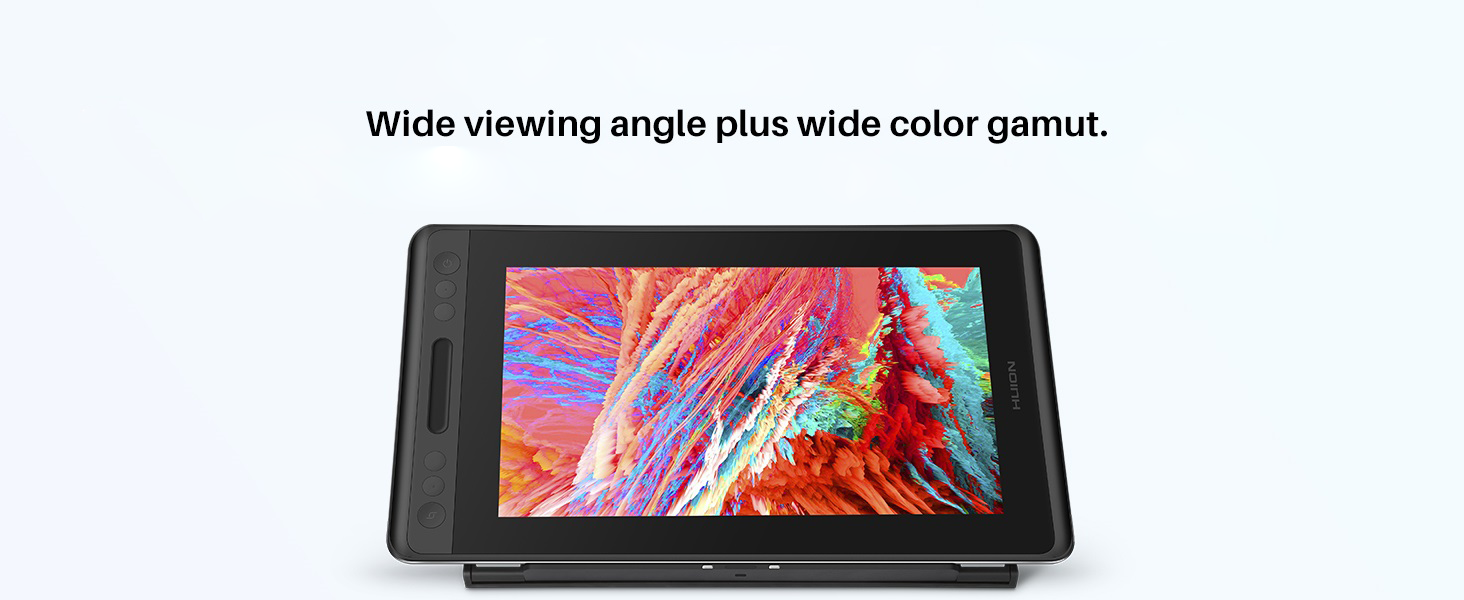
120% sRGB color gamut
In addition to the full lamination crafts, the color gamut is upgraded to 120%sRGB, with 16.7 million colors for better presentation. Color disparity is eliminated and display quality is improved.
-
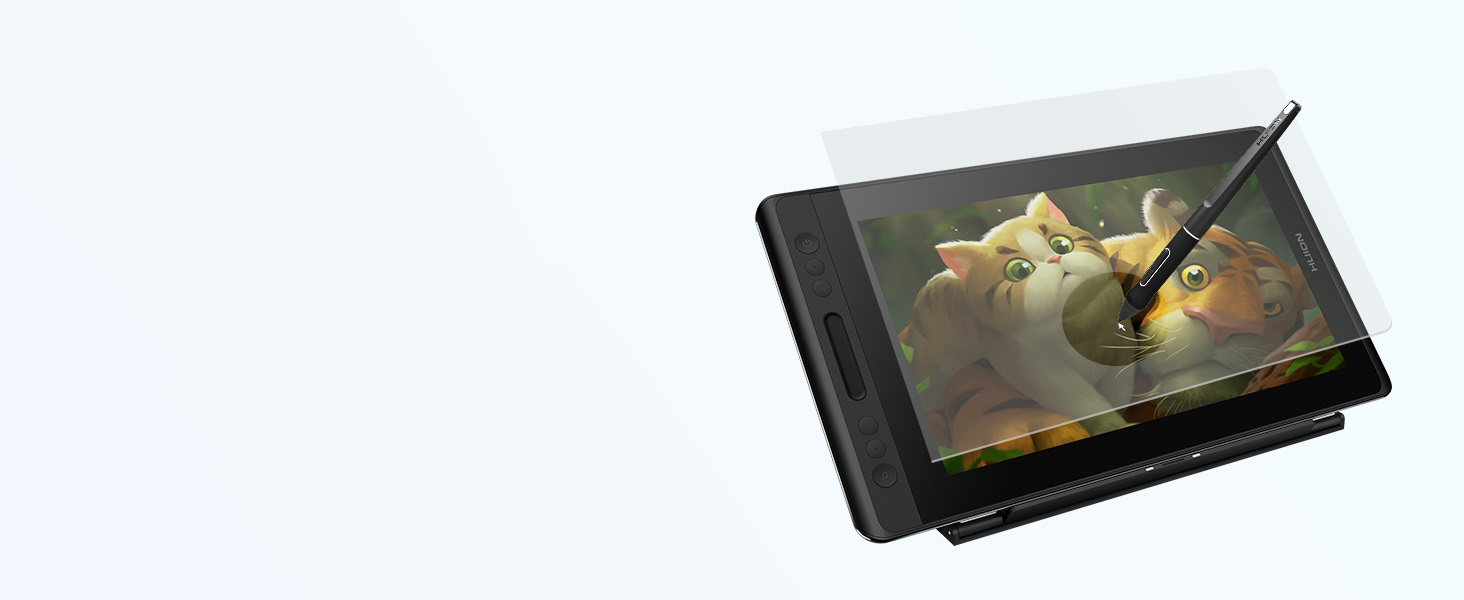
Anti-glare glass
The frosted surface of Anti-glare glass brings users the same feeling as drawing on paper. The full-laminated screen is not just good for color presentation but also strengthens the whole screen.
-
Exquisite Look
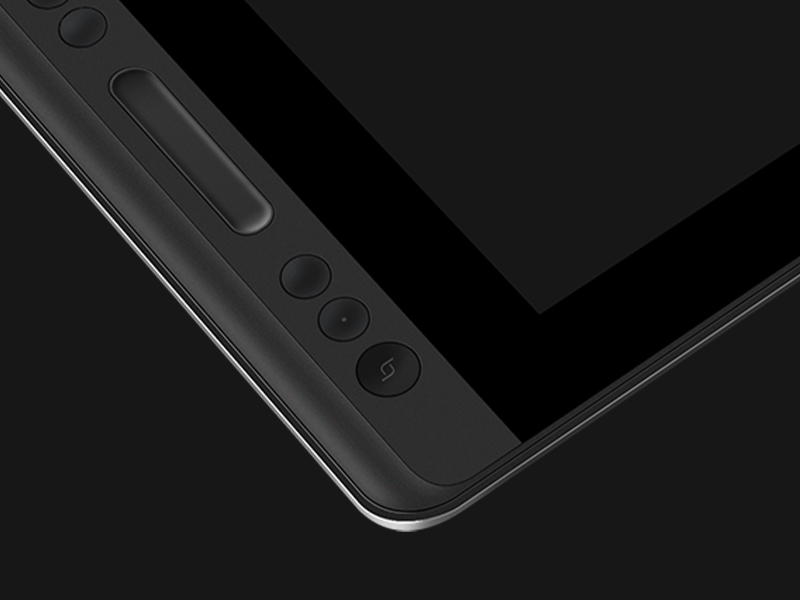
- Superior performance can be told through the delicate mold-textured front case with mild luster.
- 910g in weight and 11mm in thickness bring users better portability, it is very easy to hold and move, and feels very good to hold up in your bed or to set on your lap in a chair.
-

Aluminum back cover
- Anodized rear case with shiny machined edge and deep grey color.
- The curved anti-slip design at the back offers a more natural surface transition and makes it more comfortable to be held.
-
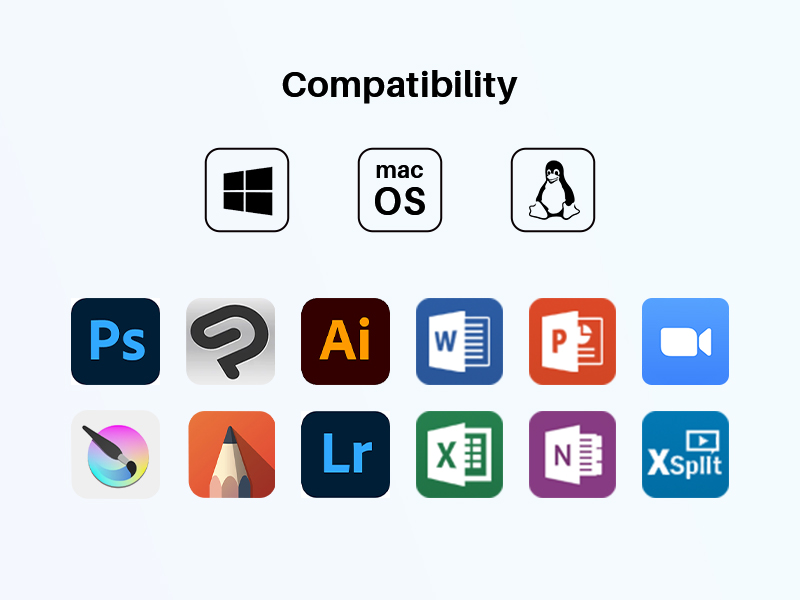
Strong Compatibility
Kamvas Pro 13 Drawing Tablet with Screen is compatible with both macOS and Windows, Linux OS, supporting mainstream designing and drawing software of various kinds.
-
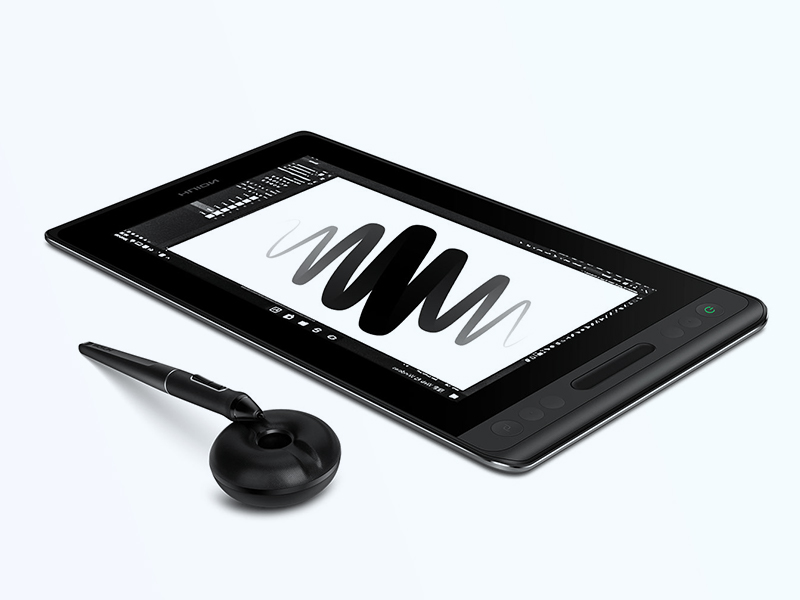
Battery-Free Pen PW507
Powerful Drawing Tool
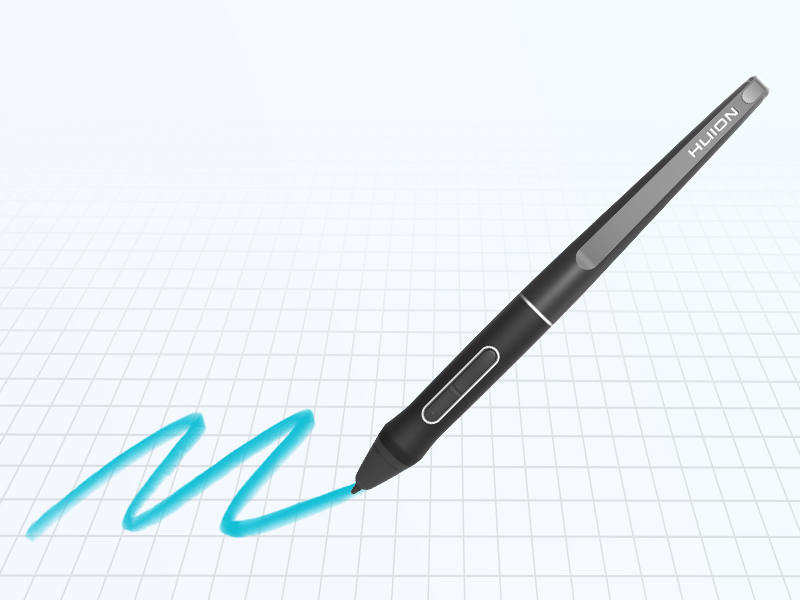
Battery-free digital pen PW507 will bring you a comfortable grip that helps to relax your mind and enable you to come up with more creative ideas.
-
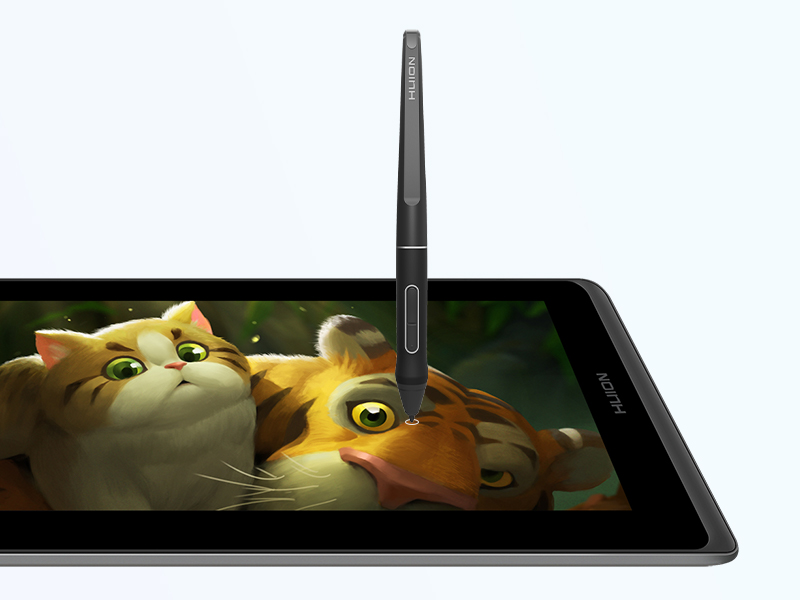
>220PPS report rate
Smoothly lines input
Comes with 8192 pen pressure, PW507 battery-free pen is easy to achieve pixel-level painting display. Provide a more accurate and natural drawing experience almost without offset.
-
±60°tilt support
Offer lifelike drawing experience
Digital pen PW507 with ±60° tilt support enables imitation of lines input with different gestures on the screen under software with the same function.
Compare Similar Products
Kamvas pro 13
|
Kamvas Pro 12
|

Kamvas pro 16
|

Kamvas 13 (Gen 3)
|

Kamvas 16 (Gen 3)
|
|
|---|---|---|---|---|---|
|
Price
|
₹21,599.00 |
₹15,998.00 |
₹30,099.00 |
— |
₹44,999.00 |
|
Screen Size
|
13.3 inch |
11.6 inch |
15.6 inch |
13.3 inch |
15.8 inch |
|
Digital Pen
|
Battery-free PW507 |
Battery-free PW507 |
Battery-free PW507 |
Battery-free Pen tech 4.0 |
Battery-free Pen tech 4.0 |
|
Screen Feature
|
Anti-glare&Full Laminated |
Anti-glare&Full Laminated |
Anti-glare&Full Laminated |
Anti-glare&Full Laminated |
Anti-glare&Full Laminated |
|
Gamut Volume
|
120% sRGB |
120% sRGB |
120% sRGB |
120% sRGB |
120% sRGB |
|
Tilt
|
±60° |
±60° |
±60° |
±60° |
±60° |
|
Express Keys
|
4 Express Keys+1 Touch Bar |
4 Express Keys+1 Touch Bar |
6 Express Keys+1 Touch Bar |
5 Express Keys+2 Dials |
6 Express Keys+2 Dials |
|
Resolution
|
Full HD (1080 x 1920) |
Full HD (1080 x 1920) |
Full HD (1080 x 1920) |
Full HD (1080 x 1920) |
QHD (1440 x 2560) |


Reviews
There are no reviews yet.